

How to Stop Your Phone From Overheating


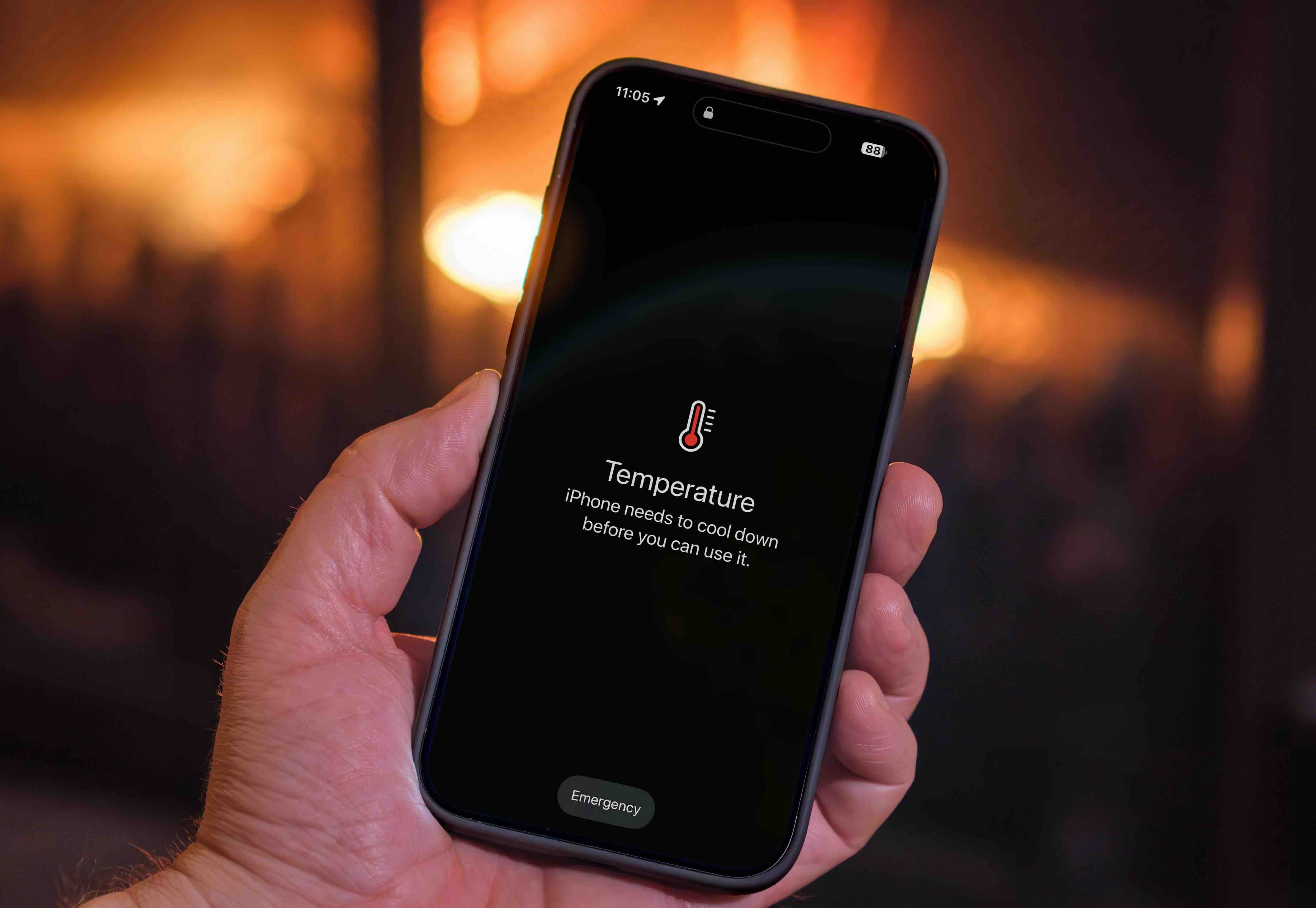
Smartphones run safely between 0°C and 35°C. Once a phone crosses that range, it slows down, drains the battery faster, or shuts off to protect itself. Move it out of the sun, close demanding apps, and reduce the screen brightness first. If it’s still hot after that, the steps below fix the rest.
This guide covers what causes the heat, the fixes that actually work, and when overheating is a sign your iPhone, Samsung Galaxy, or Google Pixel has a battery problem worth acting on.
Why does your phone overheat?
Heat builds up when the processor works harder than it needs to. Direct sunlight, demanding apps, and a struggling battery all add strain, and the phone heats up faster than it can get rid of that energy. Most causes fall into one of these categories.
- Direct sunlight, or a hot car dashboard
- Gaming, video calls, or streaming for long stretches
- Too many apps running in the background
- A worn or damaged battery
- Wireless or fast charging
- Weak signal, roaming, or a poor Wi-Fi connection, since the phone works harder to stay connected
- Malware, more common on Android than iPhone
- Outdated apps or software
Is an overheating phone dangerous?
Occasional warmth from gaming or a sunny day is normal and nothing to worry about. Sustained heat is different. Apple’s own guidance explains that a phone throttles itself once it gets too hot, and if that keeps happening, it stresses the battery and can cause lasting damage.
- Charging slows or stops, the screen dims, and features like the camera flash and GPS switch off while it cools down
- Forced shutdowns to protect the internal components
- Faster battery drain, even on light use
- Permanent battery or component damage if it happens often
- In rare cases, a swollen or damaged battery becomes a fire risk
If your phone has shut down from heat more than once, treat it as a warning sign, not a one-off.
How to stop your phone from overheating
Most fixes take seconds and work on Android or iOS. Work through the list in order, since the first few steps solve most cases on their own.

- Move it out of direct sunlight
- Take off the case
- Turn down the screen brightness
- Close apps you’re not using
- Turn on power saving mode
- Turn off Bluetooth, GPS, and mobile data when you don’t need them
- Update your apps and software
- Keep it away from other warm devices, like a laptop or power bank
- Give it a break from charging
- If it’s still hot, turn it off completely for a few minutes. This is the fastest way to cool it down, since nothing is running
Why does your phone get hot when charging?
Charging always produces some heat, since converting electricity into stored battery power is never 100% efficient. Fast charging and wireless charging generate more heat than a standard cable, and using the phone heavily while it charges adds even more strain.

- Use the charger that came with the phone, or one from the manufacturer
- Avoid fast charging in hot weather or a warm room
- Take the case off before wireless charging
- Don’t game, stream, or video call while it’s plugged in
- Charge it somewhere cool, not on a sunny windowsill or under a duvet
- Unplug it once it hits 100%, rather than leaving it on charge overnight
A phone that’s warm to the touch while charging is normal. One that’s too hot to hold, or smells odd or looks swollen, needs attention straight away.
Don’t put it in the fridge or freezer
A hot phone can tempt you to cool it down fast. Resist that. A rapid temperature drop causes condensation inside the phone and can damage the screen or internal components. Let it cool at room temperature instead, ideally somewhere shaded with some airflow.
Check your battery health
A phone that overheats often and loses charge quickly usually points to the battery, not a one-off cause. Checking its health takes under a minute and tells you whether it’s a fix or worth weighing up your options.
- iPhone: Settings > Battery > Battery Health & Charging
- Android: Settings > Battery > Battery usage (the exact path varies by manufacturer)
Anything below 80% capacity explains both the heat and the battery drain.
FAQs
Is it normal for my phone to get hot while it's charging?
What are signs of a failing phone battery?
Should I be worried if my phone is hot?
How do I stop my phone battery from getting hot?
Can an overheated phone be fixed?
How do I cool down my phone while charging?
How hot is too hot for a phone?
If your phone still won’t cool down
A battery health reading below 80%, or overheating that keeps coming back after every fix, means the phone is nearing the end of its useful life. At that point, repairing it often costs more than it’s worth, and selling makes more sense.
vendi pays the same day your device arrives and covers £10 towards postage. Check your price for your iPhone, Samsung Galaxy, or Google Pixel before you decide.

Sell your device
Sell your preloved devices instantly at the best price on the market with same-day payment!
Sell Now